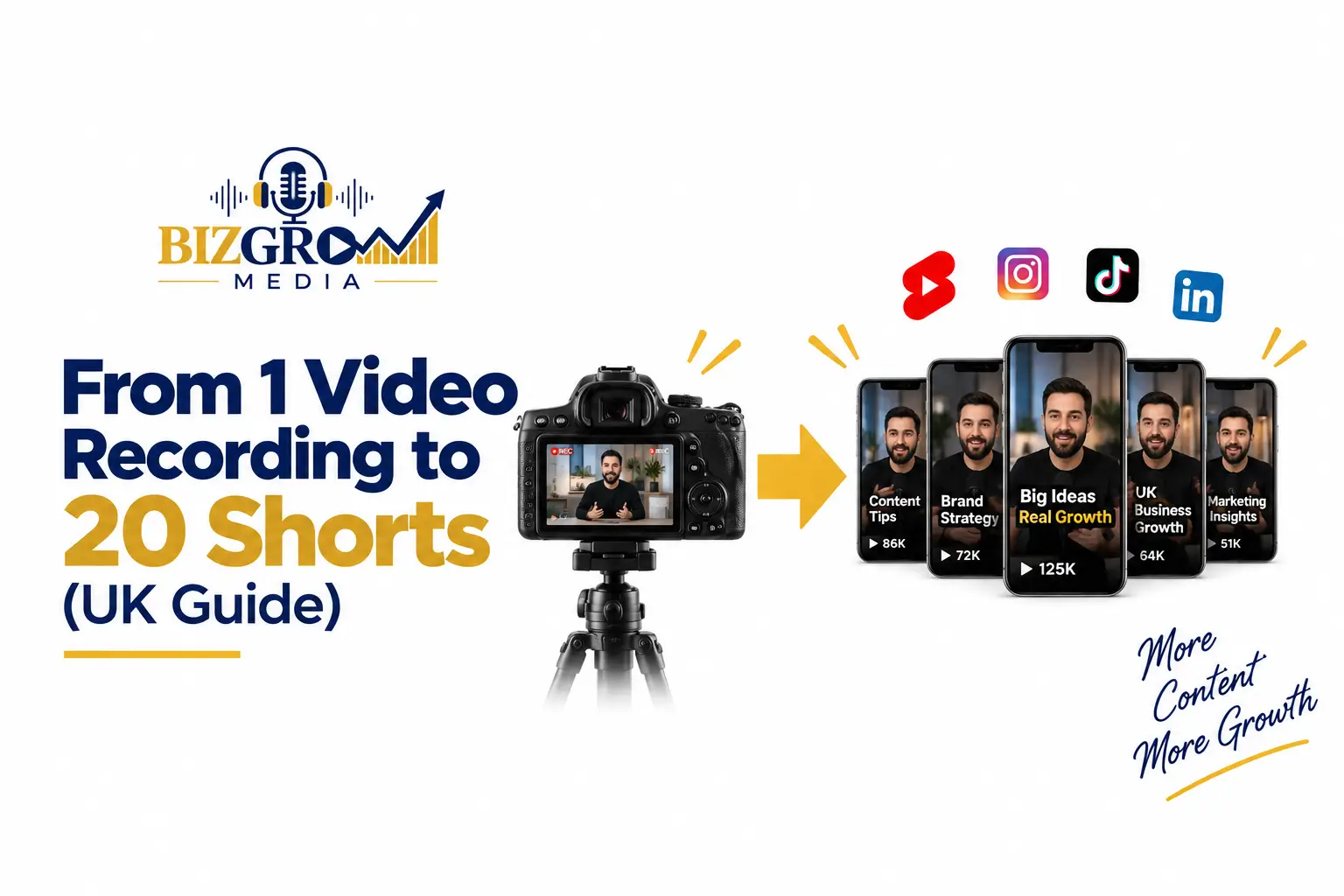
Most businesses think they need to film constantly to stay visible online. However, in reality, you don’t need more content; you need more outputs from what you already create. So, this guide shows you exactly how one video recording can turn into 20 shorts. Moreover, it’s written in simple words, so any UK business owner or content creator can follow along easily. Also, you won’t need advanced editing skills to get started, since the process relies more on planning than technical know-how. Whether you’re just starting or filming regularly, this guide will help you get far more value from every video recording. Additionally, you’ll learn how to plan your shoot in a way that naturally gives you multiple short clips, instead of just one final piece.
Why One Video Recording Can Give You 20 Shorts
A single video recording is packed with more content than most people realise. Instead of thinking of it as one piece, think of it as raw material you can shape into many different outputs.
Here’s why this approach works so well:
- You film once, but post for weeks. One recording session can fuel your entire content calendar for a month, so you’re not scrambling for new ideas every few days.
- You reduce filming stress. Instead of planning new content daily, you plan one solid shoot and then focus your energy on editing and posting instead.
- You cover more topics from one session. A single video recording often touches on several small points, and each one can become its own standalone short.
- You stay consistent without extra effort. Since you already have the raw footage, you can keep posting regularly even during busy weeks.
This is exactly why smart creators and brands in the UK are shifting from “film more” to “film smarter.” As a result, they save time, reduce burnout, and still show up consistently across every platform.
What You Need Before You Record
Before you press record, a little planning saves you hours of editing later. In fact, the more effort you put in before your video recording, the easier your entire repurposing process becomes.
Plan Your Talking Points in Advance
Instead of recording randomly, list out 5–7 key points you want to cover. Each point should be able to stand alone, without needing extra context from the rest of the video. This way, every point naturally becomes its own short later, and you won’t waste time trying to cut awkward, half-finished clips.
Choose the Right Setting and Length
Aim for a recording between 15–30 minutes. This gives you enough raw footage without becoming too long to manage. Also, make sure your lighting and audio are clear, since this affects every single short you create from it. If your background is noisy or your lighting is poor, even your best talking points won’t look or sound their best.
Use the Right Equipment
You don’t need expensive gear to get started. A decent phone camera, a simple microphone, and good lighting are often enough to produce clean, usable footage. What matters more is how you structure your content, not how expensive your setup is. So, focus on planning your points clearly, and the quality of your shorts will naturally follow.
How to Turn 1 Video Recording Into 20 Shorts
Now, let’s go through the actual process, step by step. Once you follow these steps, you’ll see just how much your video recording can really give you.
1. Watch the Full Recording and Take Notes
First, watch your video recording from start to finish. As you watch, note the exact timestamps where you say something strong, useful, or surprising. Doing this before you start editing saves you from scrubbing back and forth later.
2. Identify Standalone Moments
Next, look for moments that make sense on their own, without needing the rest of the video. These are your best short candidates, since viewers won’t feel like they’re missing context.
3. Cut Clips Around Key Tips
For every tip or piece of advice in your recording, cut a short clip around it. Also, keep each clip focused on just one idea, so it stays clear and easy to follow.
4. Turn Questions Into Their Own Shorts
If you answer any questions during your recording, turn each answer into a separate short. Question-based shorts often perform well because they match what people already search for online.
5. Use Strong Opening Lines as Hooks
Find the strongest, most attention-grabbing lines in your recording. Then, use these as the opening seconds of different shorts, since a strong hook keeps viewers watching instead of scrolling past.
6. Repeat Key Points With Different Angles
If you repeated an idea in different words during your recording, use both versions as separate shorts. This way, each one can appeal to a slightly different audience, even though they cover the same core idea.
7. Turn Mistakes or Myths Into Shorts
If your recording covers common mistakes or myths, dedicate one short to each. These naturally grab attention, because people love learning what to avoid before they make the same mistake themselves.
8. Use Reaction Moments
Any moment where you laugh, pause, or react naturally can become an engaging short. Since these clips often feel more authentic and relatable, they help your audience connect with you on a personal level.
9. Extract Step-by-Step Sections
If part of your recording explains a process, break it into smaller steps. Then, turn each step into its own quick, useful short, so viewers can follow along easily without feeling overwhelmed.
10. Create a Behind-the-Scenes Short
Finally, use small candid moments before or after your main points to create a behind-the-scenes style short. This adds personality to your brand and helps your audience feel more connected to you. By following steps like these across your entire video recording, you can easily pull out 15–20 solid shorts from just one session — without ever needing to film again that week.
Best Practices for Editing Your Shorts
Once you’ve selected your clips, a little editing makes a big difference. In fact, the way you edit your video recording into shorts often matters just as much as the content itself.
- Keep each short under 60 seconds. Shorter clips hold attention better, since viewers are more likely to watch until the end instead of scrolling away halfway through.
- Add captions to every short. Many viewers watch without sound, especially on mobile, so captions help you keep their attention even in silent scrolling.
- Trim silence and pauses. This keeps the pacing tight and engaging, and it stops viewers from losing interest during slow moments.
- Use a consistent style. Same fonts, colours, and intro style help build brand recognition, so your audience recognises your content instantly, no matter which platform they’re on.
Where to Post Your Shorts in the UK
Different platforms suit different types of shorts. So, here’s a simple breakdown to help UK audiences find the right shorts on the right platform.
- TikTok: Best for casual, fast-paced shorts that feel spontaneous and easy to watch.
- Instagram Reels: Great for tips, quotes, and behind-the-scenes clips that fit a more polished feed.
- YouTube Shorts: Ideal for question-based and step-by-step content, since viewers often search for answers directly.
- LinkedIn: Works well for business advice and professional insights, especially when your video recording covers industry tips.
So, instead of posting the same short everywhere, adjust the caption and style slightly for each platform. This way, your content feels native to where it’s being watched, rather than recycled.
Common Mistakes to Avoid
Even with a great video recording, a few mistakes can limit your results. Therefore, it’s worth checking your process against these common pitfalls before you publish.
- Only cutting the “best” part. Instead, look for value throughout the entire recording, not just the highlights, since smaller moments often make great shorts too.
- Ignoring captions. Without captions, you lose viewers who scroll with the sound off, which can be a large part of your audience.
- Posting everything at once. Instead, spread your shorts out over several weeks for steady, consistent visibility, rather than one short burst of content.
- Skipping a content plan before filming. Without a plan, your video recording may lack enough standalone moments to repurpose well, leaving you with fewer usable shorts than expected.
How BizGrow Media Helps
At BizGrow Media, we help UK businesses turn one video recording into a complete content strategy. Instead of filming every day, we plan your content around multiple short-form outputs. We help you with content planning, video recording ideas, short-form content, editing, captions, and platform-specific content. As a result, one recording session can keep your business visible across social media for weeks. Moreover, we focus on creating content that reflects your brand, explains your services clearly, and connects with your target audience. Therefore, you can spend less time worrying about what to post and more time running your business.
FAQs
1. How many shorts can one video recording create?
One well-planned video recording can produce around 15–20 shorts by using tips, questions, hooks, and key moments.
2. How long should a video recording be?
A video recording of around 15–30 minutes gives you enough material to create multiple useful short-form videos.
3. Do I need expensive equipment for video recording?
No. You can start with a good phone, a clear microphone, and suitable lighting. Good planning matters more than expensive equipment.
4. Can I use one video recording on different platforms?
Yes. You can repurpose one video recording for TikTok, Instagram Reels, YouTube Shorts, and LinkedIn with small adjustments.
5. How do I get 20 shorts from one video recording?
Break your video recording into tips, questions, myths, mistakes, reactions, hooks, and step-by-step sections to create multiple clips.
6. How often should I post the shorts?
Spread your shorts across several weeks instead of posting everything at once. This helps you maintain consistent online visibility.
Conclusion
Ultimately, one video recording can give you far more content than a single post. By planning your talking points, identifying strong moments, and repurposing each idea into short clips, you can build weeks of content from one session. Moreover, this approach saves time, reduces filming pressure, and helps you stay consistent across multiple platforms. Therefore, instead of always asking, “What should I film next?”, start asking, “How much content can I create from this video recording?”